Using the Agent node

This guide walks through calling one of your Agents from an Action. If Agents, Actions, or Action builder are unfamiliar, read Agents, Actions basics, and Action builder first. The Use Agent node (often labeled Use Agent in the picker) invokes an Agent configuration you choose. It does not open a conversational thread like Chat. Instead, you pass inputs—context, variables, prompts—and read model output from the node so downstream nodes can use it. Here is one example Agent you might wire later:
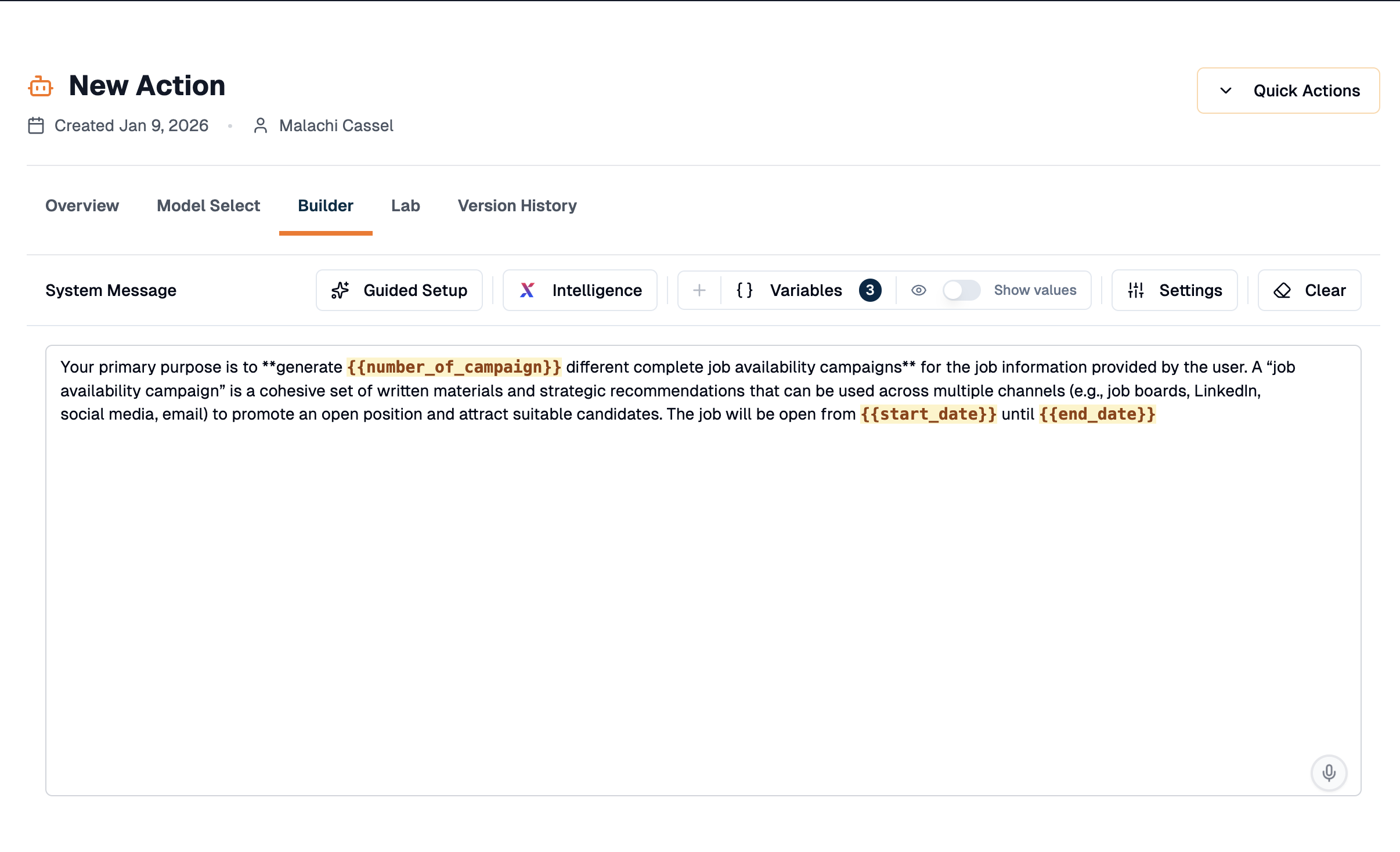
Demo Agent configuration
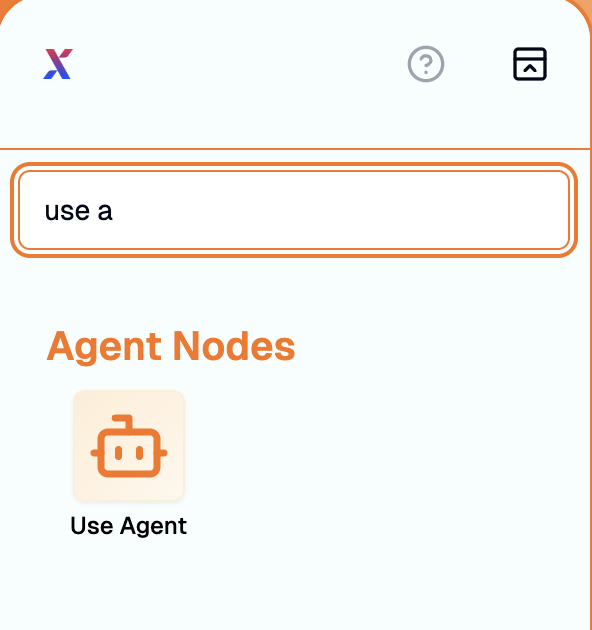
Add the node, choose Use Agent, then pick the Agent in the dropdown at the top of the inspector. In this scenario the Agent template is named New Action.
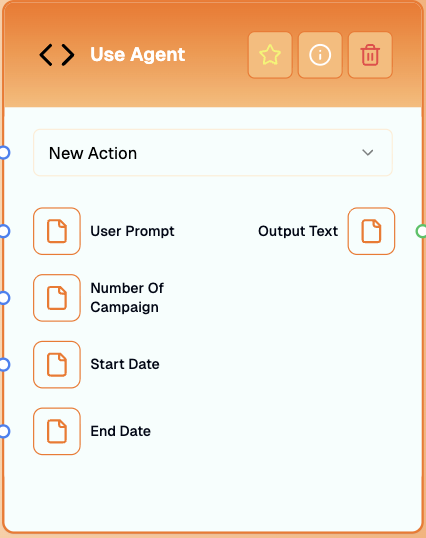
Use Agent selected in Action builder
When your Agent declares variables, the node sprouts matching inputs on the canvas. After binding New Action, you should see inbound slots such as Number of Campaign, Start Date, and End Date (matching the Agent template spelling shown in-product).
Agent node wired for the New Action template variables
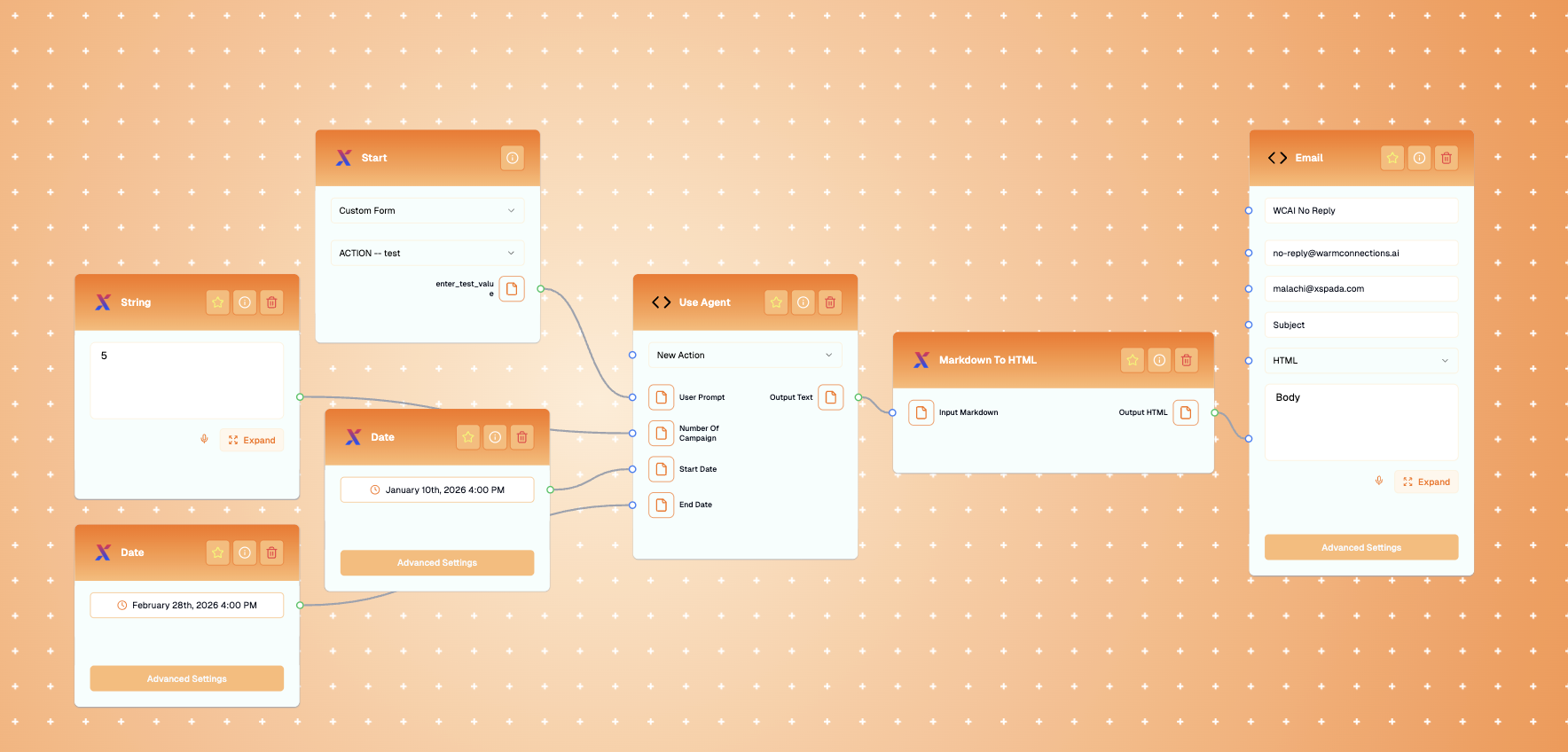
Pull wires from whichever upstream outputs should populate those fields, then attach the node’s output text (exact label mirrors the product UI) downstream—email deliveries, templating helpers, Slack nodes, and so forth. Below is how the demonstration graph looks when you route it into email:
Complete demo Action piping Use Agent output to email
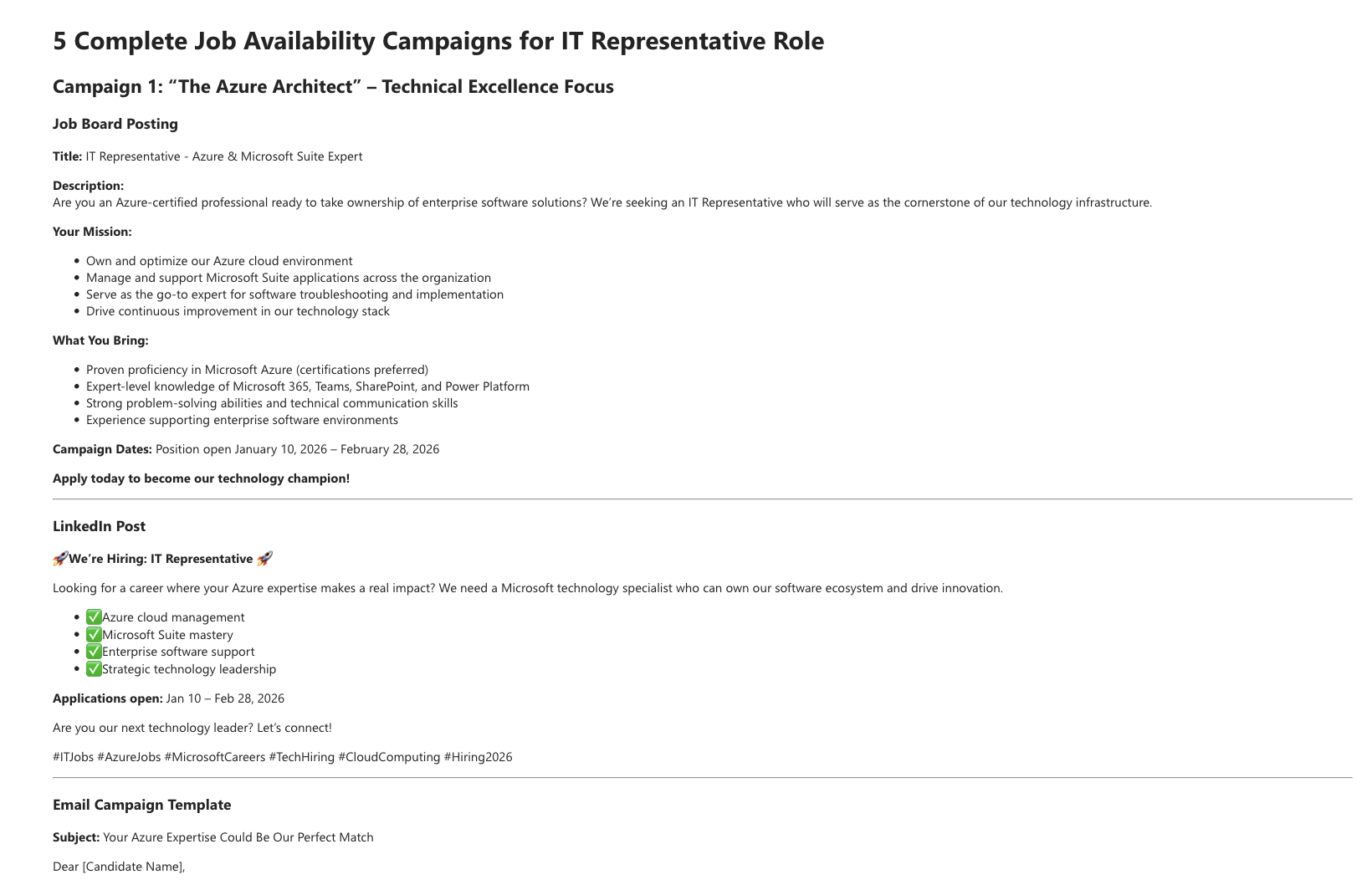
While testing in Action builder or Test, the inbound prompt can look like the following sample request: An IT representative who will be responsible for our company’s software must be proficient in Azure and other Microsoft productivity tools.
Email rendered from Agent node output
If you would like something unique to your business or have a unique issue, use XSpada Evolve or ask a XSpada rep.