Get started in four steps
Start creating a product specific to your business.Step 1: Create Evolve Project
To use Evolve, you have to create the project where the conversations will take place. We recommend that the project represent a specific problem that you are trying to solve. You can always create additional projects if you want the platform to do multiple things. When you first sign up for XSpada, there should be some introduction slides that ask you about your company and walk you through what XSpada Evolve is. The last slide is where you add your project and will look like this: If you would like to add a project after you have logged in, you can click the plus button at the top of the Evolve page next to the current project name: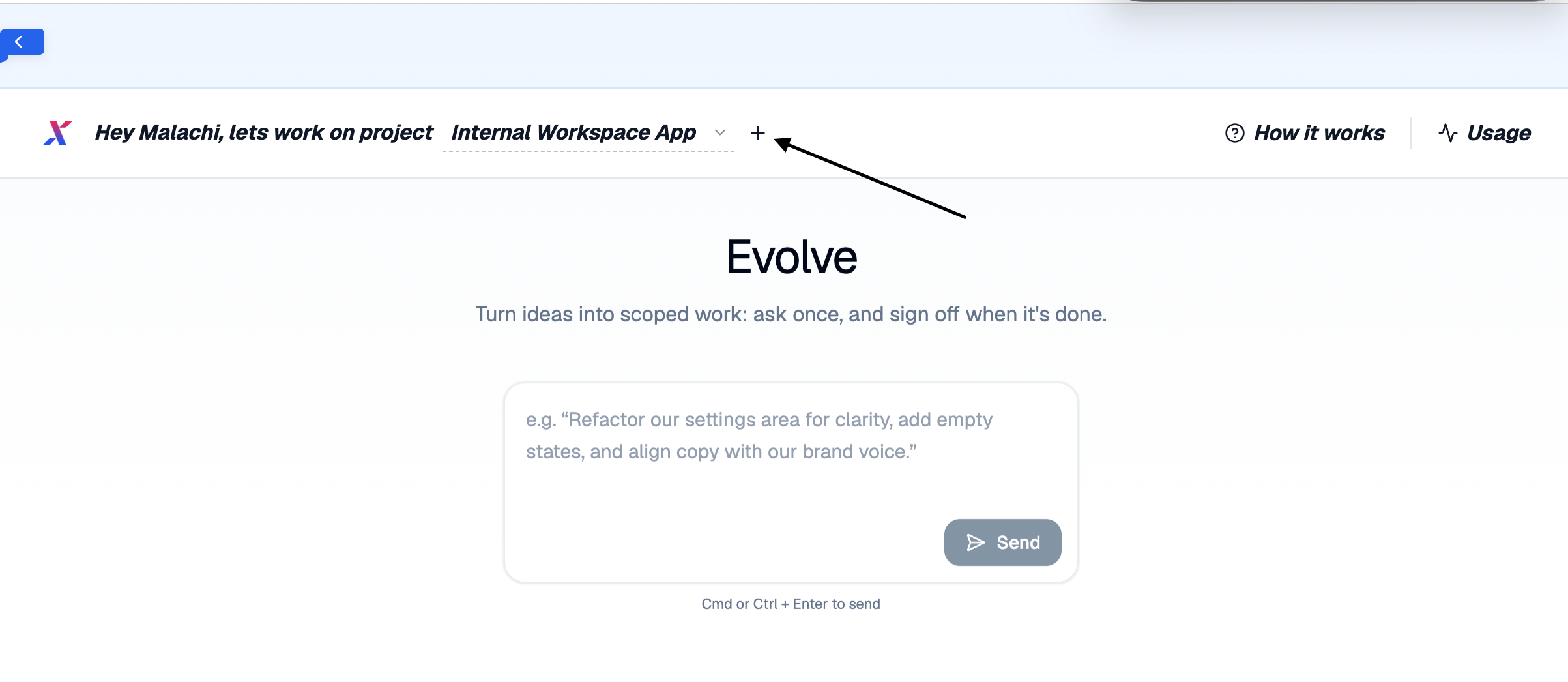
Step 2: Explain your problem / explain what you want
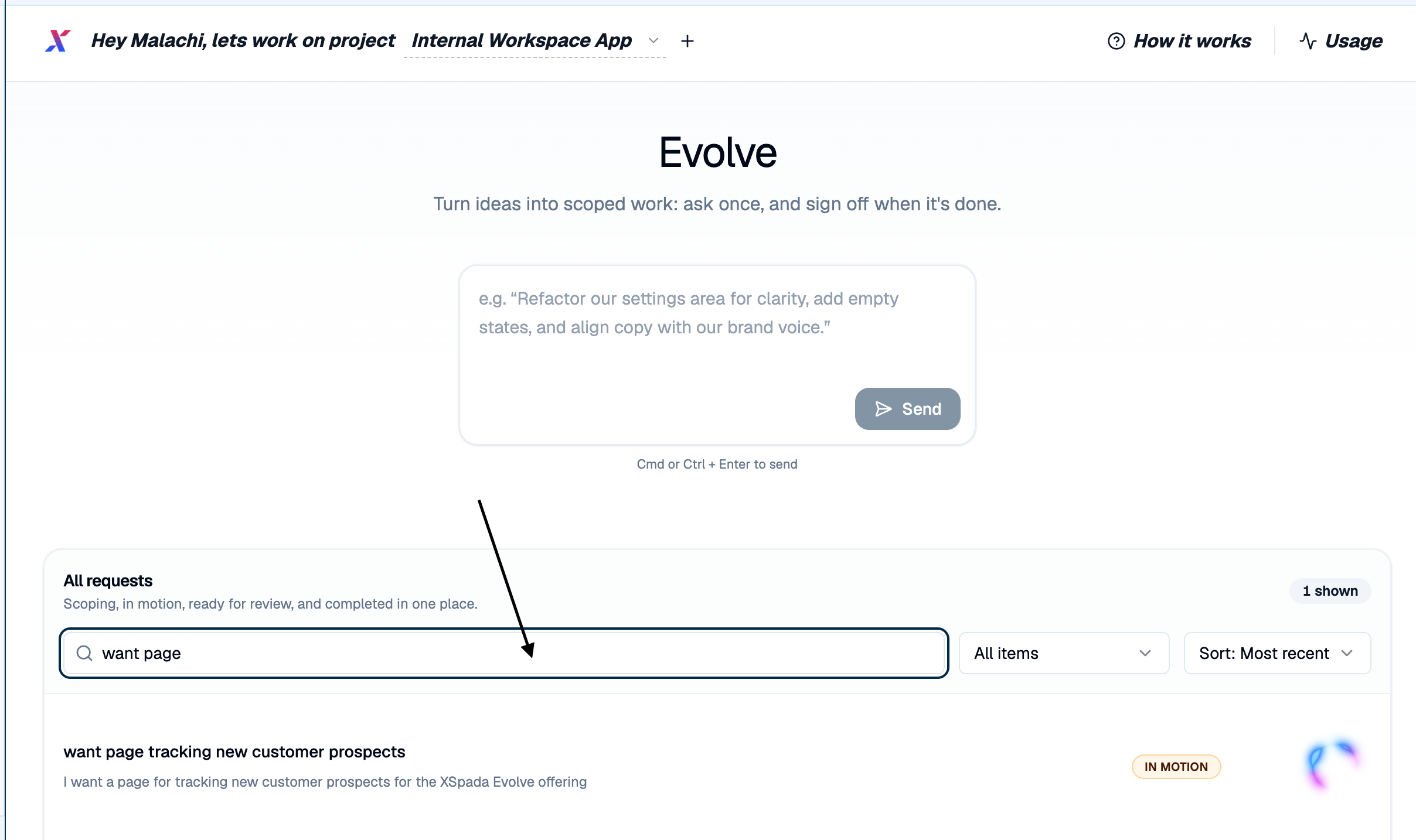
Once you have a project you can start creating the platform you want. All you have to do is write what you want in the chat box. When you have finished, click Send and Evolve will take you to a conversation thread where Evolve will ask you specific questions on the left as it creates a summary and project scope on the right, as shown below: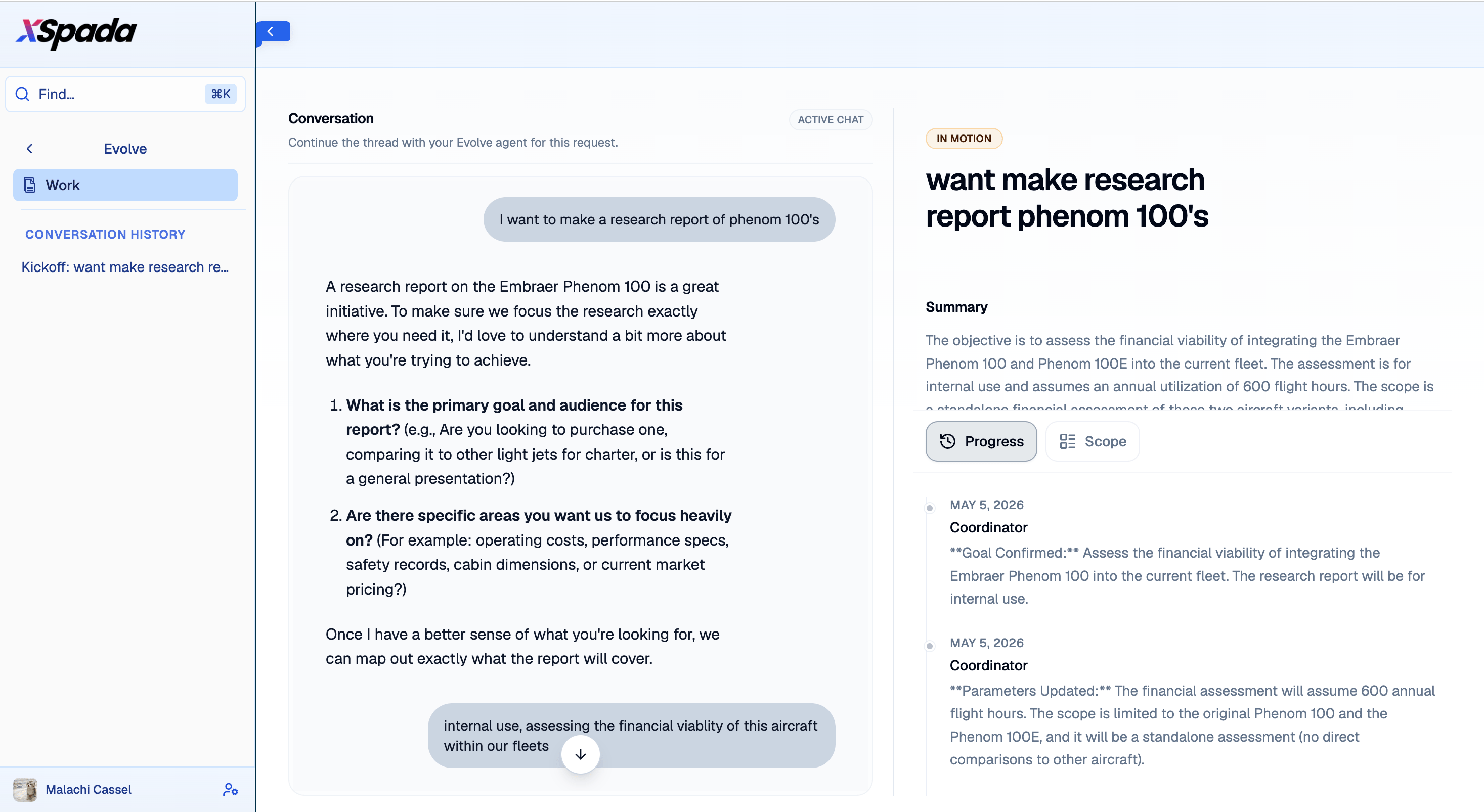
Step 3: Let Evolve do its magic
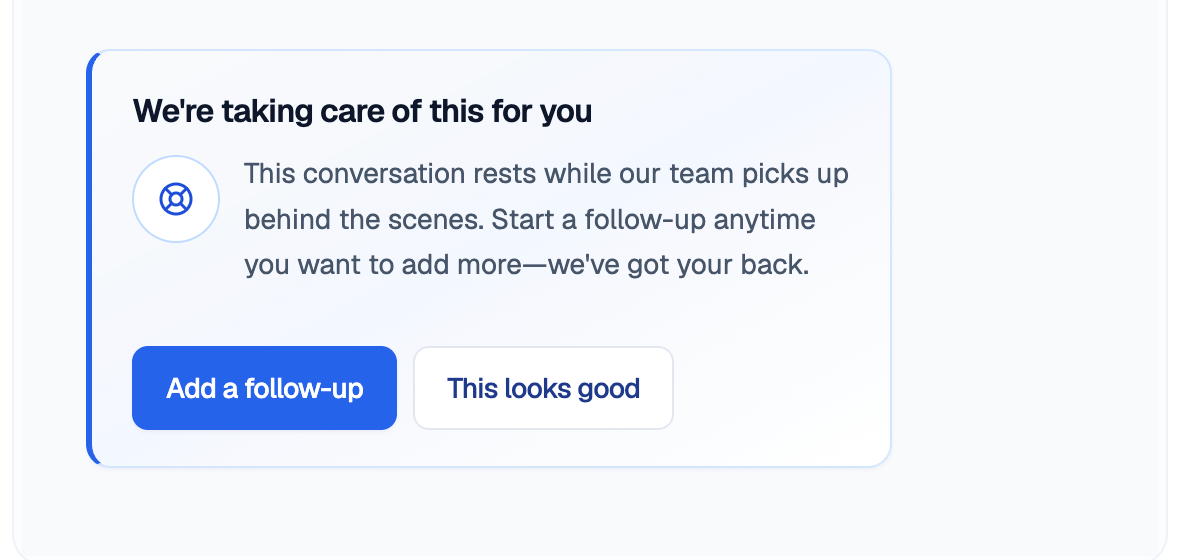
Once you have finished your conversation and Evolve has created a plan for the request, it will ask whether the plan looks good or if you would like to add anything else.