

Tag Overview

In your contact book you wil notice that the contacts have a column for tags where you can sort your contact by what ever tags you would like. To create and edit your tags navigate to the Organization section in the left side bar and select Tags.
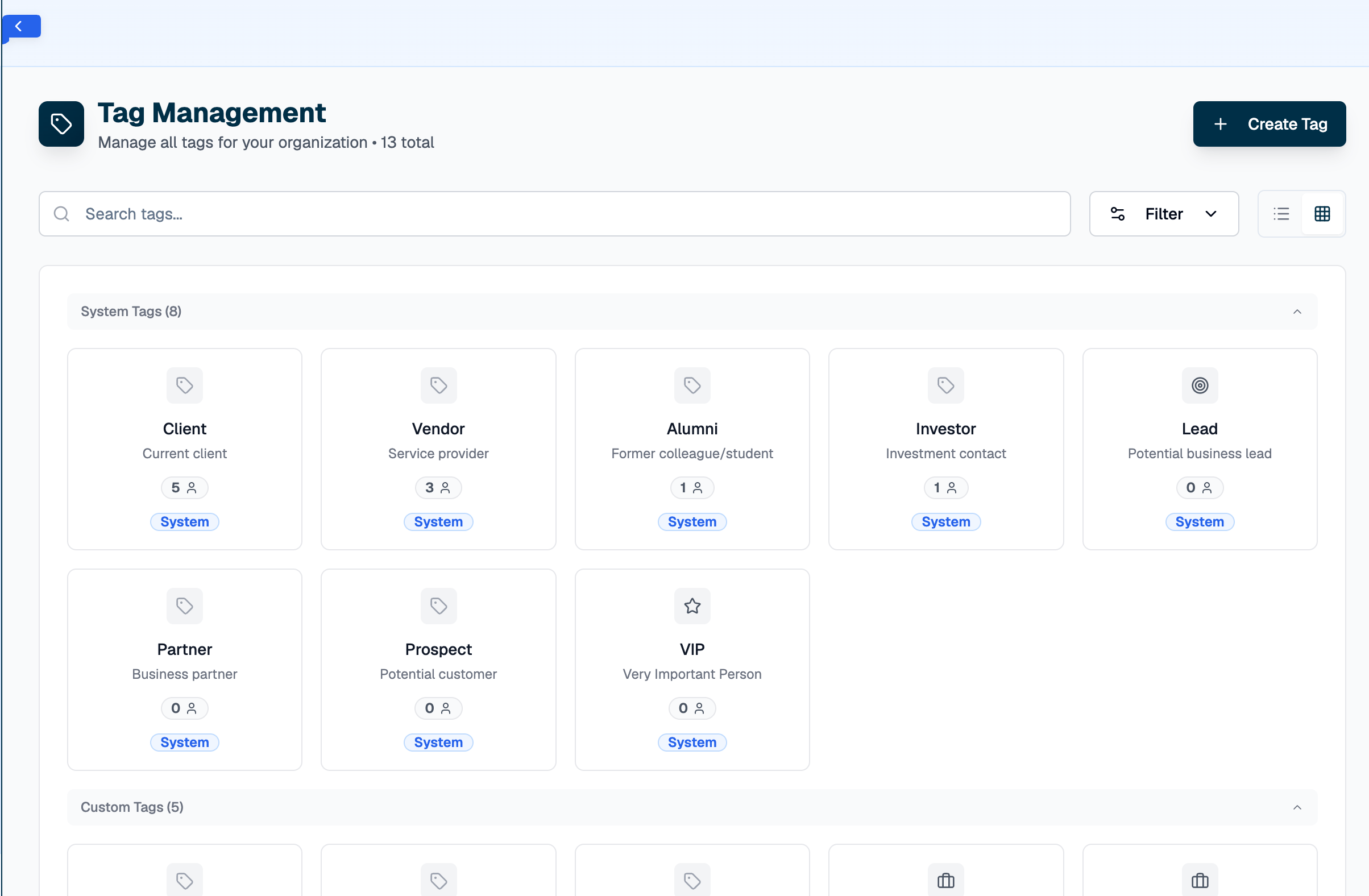
Screenshot 2026 05 11 At 8 30 32 PM
As you can see we start with 8 standard tags that can be used to organize your contacts but if you would like to create your own tag just click the ‘Create Tag’ button in the top right. After that you will be able to delete them or edit them just by clicking the tag you want to effect. For more tag logic ask XSpada Evolve or an XSpada rep.